01
Upload your space
Add a photo of the wall or room you want to dress — lobby, boardroom, corridor, or office.
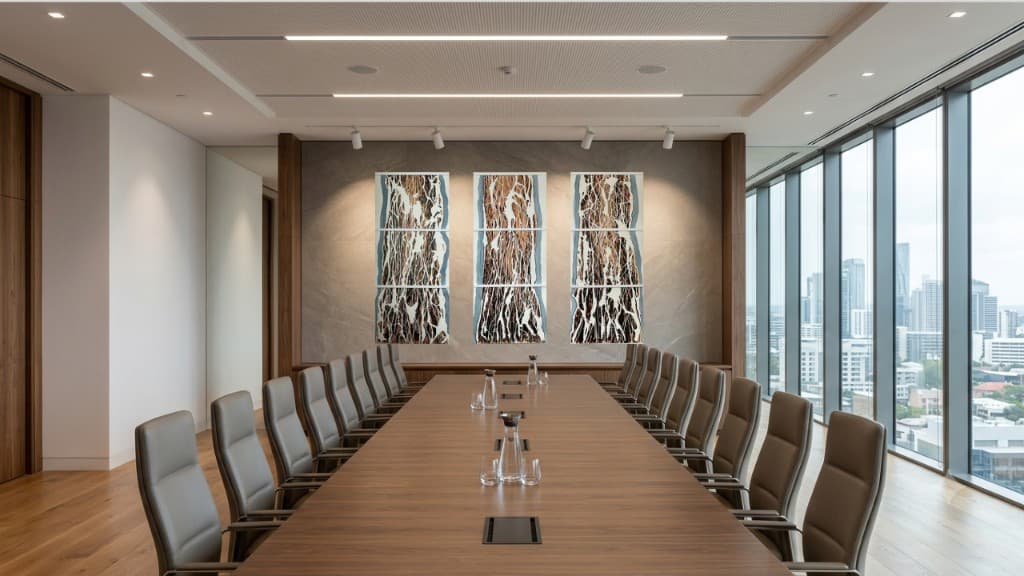
In your space
Visualisations show how selected artworks can work within corporate and public interiors — helping you understand scale, placement, and atmosphere before making a decision.
Visualisation tool
Upload a photo, mark the wall corners, set real dimensions, place artwork, and share the result with your team.
01
Add a photo of the wall or room you want to dress — lobby, boardroom, corridor, or office.
02
Click the four corners of the wall on your photo (top-left → top-right → bottom-right → bottom-left), then enter the wall’s real width and height in centimetres so scale is accurate.
03
Choose pieces from our collections and represented artists. Place and adjust them on the calibrated wall.
04
The tool shows the work in your space at realistic scale so stakeholders can review placement before a formal proposal.
Open the visualisation tool, upload a photo, and place artwork from our programme — then share the result with your team.